What Makes Chromeos Boot Up Faster Than Traditional Operating Systems

Why ChromeOS Beats the Boot Race Ever felt like you're in a real-life episode of The Flash, waiting for your computer to boot up? Well, if you're using a Chromebook, you migh...
Why ChromeOS Beats the Boot Race
Ever felt like you're in a real-life episode of The Flash, waiting for your computer to boot up? Well, if you're using a Chromebook, you might just be zipping past Barry Allen. ChromeOS, Google's operating system, is known for its lightning-fast boot times. But what's the secret behind this speed demon?
Less is More
Imagine ChromeOS as a minimalist apartment. It's clean, it's simple, and it doesn't have a lot of unnecessary clutter. This is because ChromeOS is designed to run web apps, which are lighter and faster than traditional desktop applications. It's like having a studio apartment instead of a sprawling mansion - less to maintain, less to load.
Traditional operating systems like Windows and macOS, on the other hand, are like fully-furnished houses. They've got a lot of built-in features and software, which can slow down the boot process. ChromeOS keeps it lean, which means it can sprint out of the starting gate while the others are still gathering their keys.
Must Read
Virtual Memory: The Magic Trick
Remember those magic tricks where a card appears out of nowhere? ChromeOS has a similar trick up its sleeve - virtual memory. When you shut down your Chromebook, ChromeOS takes a snapshot of your system's state and saves it to your hard drive. When you boot up again, it reloads this snapshot, which is much faster than starting from scratch.
This is why ChromeOS boots up in seconds, even after a full shutdown. It's like the computer is saying, "Ta-da! Here I am, just like I was before!" Meanwhile, traditional operating systems have to load everything from scratch, which can take minutes.
 ChromeOS Flex: Cloud-first, fast, easy-to-manage, and secure operating
Automatic Updates: The Secret Weapon
Picture this: You're in a race, but every time you take a break, you have to stop and put on a new pair of shoes. That's what it's like for traditional operating systems when they update. They have to stop, install updates, and then restart. It's a time-consuming process that can add minutes to your boot time.
ChromeOS, however, updates in the background while you're using your computer. It doesn't require a restart, so you're always ready to race. This is possible because ChromeOS is always connected to the internet, which is where it gets its updates from. It's like having a personal pit crew that keeps your car in top shape without ever slowing you down.
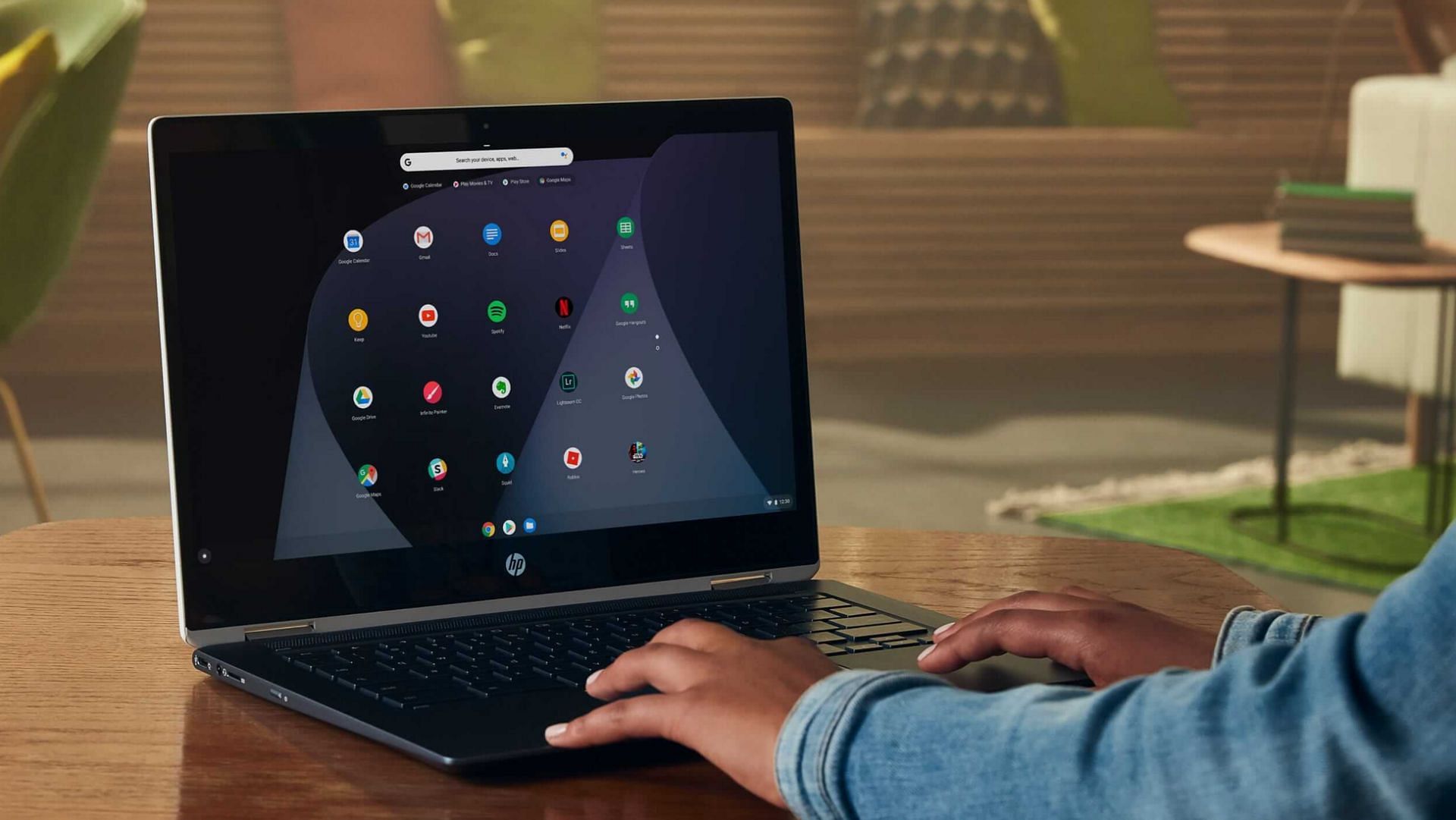 How to install ChromeOS on your old laptop
Practical Tips: Boost Your Boot Speed
Even if you're not using a Chromebook, there are ways to speed up your boot time. Here are a few tips:
- Limit Startup Programs: Too many programs trying to load at once can slow down your boot time. Limit the number of programs that start up automatically.
- Disable Visual Effects: Those fancy visual effects might look nice, but they can also slow down your boot time. Disable them to speed things up.
- Upgrade Your Hardware: If your computer is ancient, it might be time for an upgrade. More RAM and a solid-state drive (SSD) can significantly improve your boot time.
Reflection: The Art of Patience
In a world where we expect instant gratification, waiting for our computers to boot up can feel like an eternity. But remember, every second you spend waiting is a second you're not spending doing something else. So, embrace the wait. Use it as a chance to stretch, to breathe, to plan your day. After all, even the fastest computer can't beat the power of a well-used pause.
And who knows? Maybe one day, all computers will boot up as fast as a Chromebook. Until then, we'll just have to enjoy the race.
