What Is The Difference Between Appblock Vs Blocksite

Ever stared at your phone, wondering where the last hour went? You opened it to check one thing, and now you’re three YouTube rabbit holes deep. If that sounds familiar, you’v...
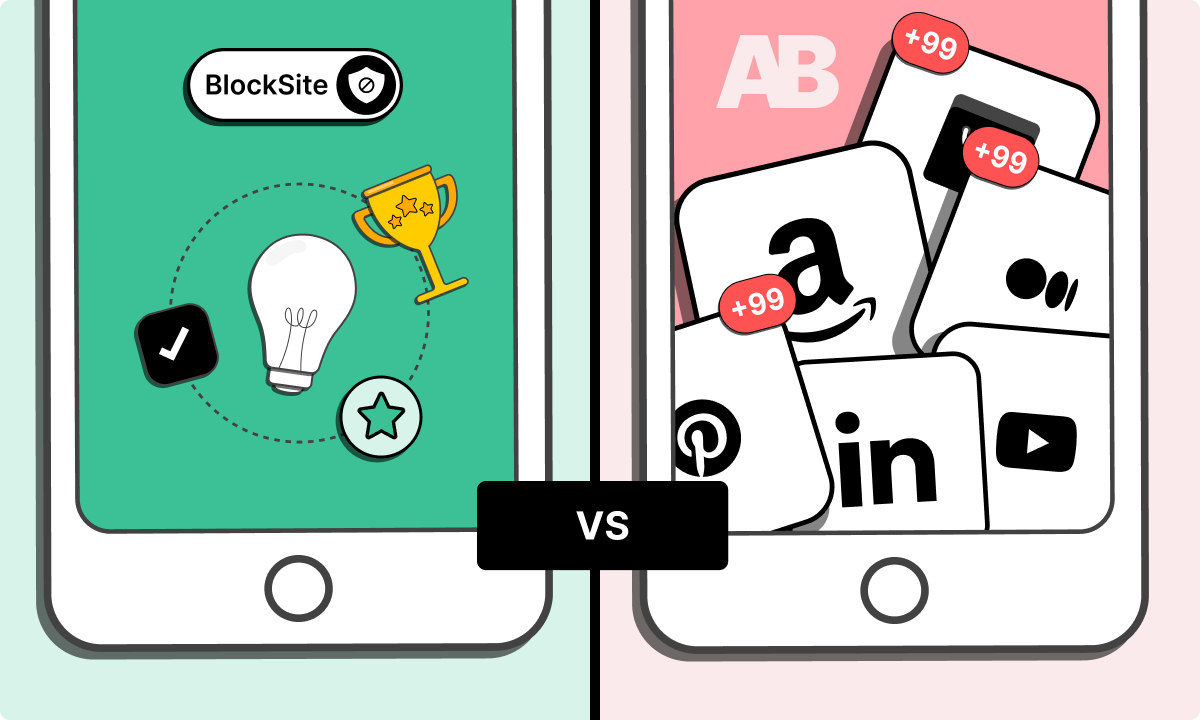
Ever stared at your phone, wondering where the last hour went? You opened it to check one thing, and now you’re three YouTube rabbit holes deep. If that sounds familiar, you’ve probably thought about using a website blocker.
Two of the biggest names in the game are AppBlock and BlockSite. They both promise to save you from yourself, but they go about it in totally different ways. So, which one is actually worth your time?
Let’s start with the obvious: BlockSite is the popular kid on the block. It’s sleek, it’s simple, and it works right out of the box. You download it, pick the sites that waste your time (hello, Reddit), and boom—they’re gone.
Must Read
But here’s the kicker: BlockSite is great at blocking websites, but it’s not so hot at blocking apps. Want to lock down TikTok or Instagram? You can do that too, but the app-level blocking can feel a bit clunky. It’s like trying to swat a fly with a baseball bat—it works, but it’s overkill.
Now, AppBlock is the quiet genius in the corner. It’s like the Swiss Army knife of self-control. AppBlock doesn’t just block websites; it blocks entire apps, individual features, and even specific pages within apps. You can block Instagram Stories but still use DMs. How cool is that?
Think of it this way: BlockSite is a bouncer at the club door—it keeps the bad stuff out. AppBlock is more like a personal trainer—it lets you in, but only for the exercises you actually need. Which one sounds better for your messy brain?
The “Hardcore” Settings
Let’s talk about lockdown mode. BlockSite has a “Strict Mode” that makes it nearly impossible to undo. Once it’s on, you can’t just tap a button and sneak back to Twitter. That’s powerful if you have zero willpower left.
AppBlock, on the other hand, takes the crown for automation. You can set rules like “block YouTube from 9 AM to 5 PM” or “only allow work apps during lunch.” It’s like having a digital butler who knows when you’re weakest. BlockSite does have scheduling, but it’s more basic—think hour-by-hour, not mood-based.
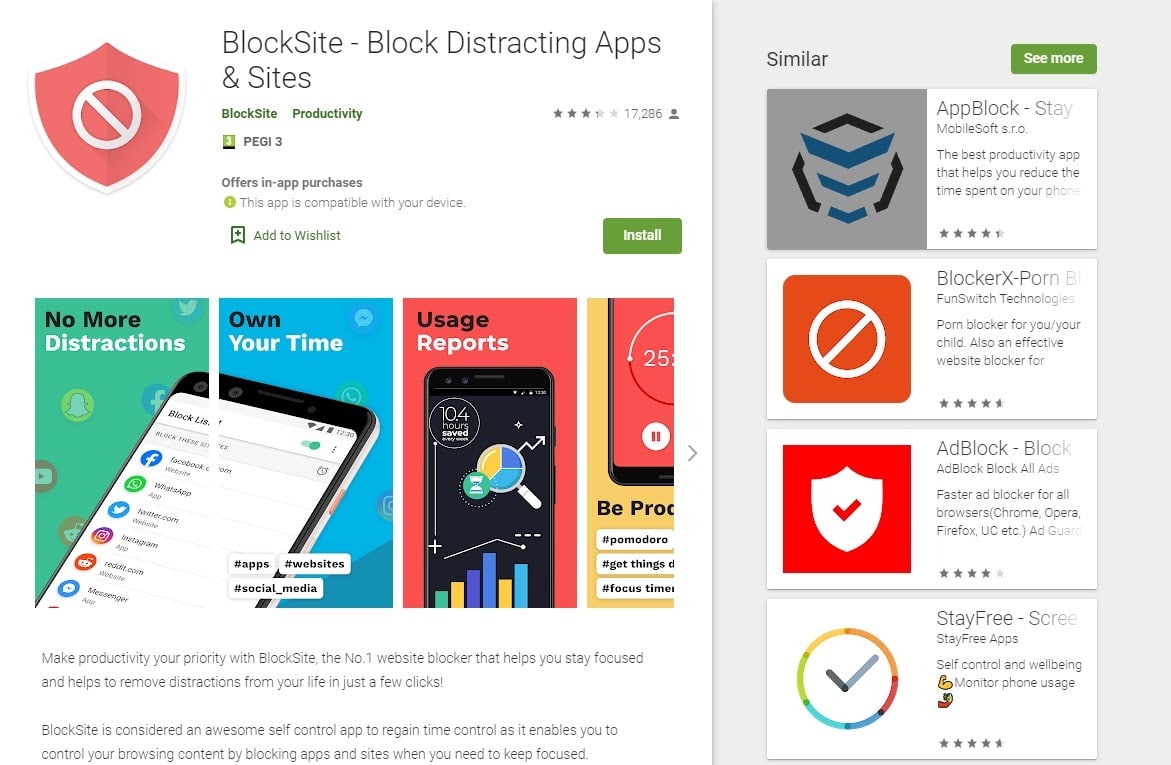 How to Block Websites on Chrome - Kinsta®
Ever tried to outsmart your own blocker? BlockSite makes that hard with its “Lock Mode.” AppBlock has a similar “Rigid Mode,” but it also offers a hilarious “Gentle Mode” that just gives you a nudge. “Hey, you said you wanted to focus—remember?” It’s like a friend reminding you, not a drill sergeant yelling at you.
Which One Is Easier to Use?
If you just want to stop checking Facebook, go with BlockSite. The setup takes two minutes. The interface is so clean you could eat off it. No tutorials, no jargon—just pick your poison and block it.
AppBlock is a little more complex at first. You’ll see words like “filters,” “whitelist,” and “rules.” It’s like building a tiny fortress for your focus. But once you get it, you can block a single app feature—like the YouTube Shorts tab—without losing access to the whole app. That’s next-level control.
Here’s a fun comparison: BlockSite is like ordering a pre-built salad from a café. AppBlock is like growing your own garden and choosing every ingredient. Both are healthy, but one gives you way more freedom.
The Sneaky Differences You Didn’t Expect
One thing that surprised me: BlockSite blocks things across your whole device if you use its browser extension. That means it works even on sites you haven’t blocked yet—like a firewall. AppBlock is more app-specific, so it won’t catch random distractions unless you set a rule.
AppBlock has a neat trick called “countdown blockers.” It doesn’t just block you; it shows you a timer. “You’ve spent 45 minutes on Instagram—time’s up.” It’s less angry and more like a gentle reality check. BlockSite just slams the door shut. Which approach makes you feel less like a rebellious teenager?
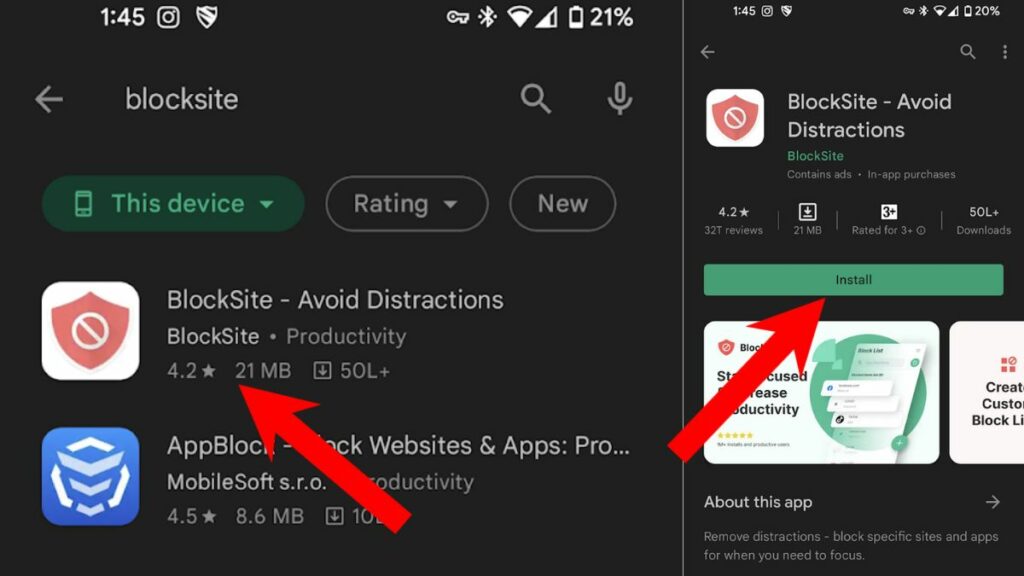 Here's An Easy Way To Block Websites On Android
Also, privacy nerds will love this: AppBlock doesn’t need that much access to your data. BlockSite asks for more permissions, like seeing which apps you open. It’s not evil, but if you’re paranoid, AppBlock feels safer.
So, Which One Wins?
Honestly? It depends on your brand of distraction. If you’re someone who just needs to stop visiting a few pesky websites, BlockSite is your lazy, effective friend. It’s the “set it and forget it” option.
If you’re a control freak who wants to micromanage every digital impulse, AppBlock is your dream tool. You can block notifications, hide certain app buttons, and even create profiles for “Work” vs. “Chill.” It’s like having a remote control for your own brain.
In the end, both tools are amazing. They both respect the fact that your attention is precious. The question is: do you want a simple lock on the door, or a whole security system?
Try both for a week. BlockSite for Monday to Wednesday, then AppBlock for the rest. You’ll notice one feels like a cage, and the other feels like a cozy library. Choose the one that doesn’t make you want to outsmart it.
Because at the end of the day, you’re not fighting your phone—you’re just trying to be the version of you that picks up a book instead of a screen. And that’s pretty cool.
