What Is Speech Recognition And Synthesis From Google

Let’s be honest—talking to your devices used to feel like a scene from a sci-fi movie, but now it’s just part of our Tuesday routine. Whether you’re asking your phone for dire...
Let’s be honest—talking to your devices used to feel like a scene from a sci-fi movie, but now it’s just part of our Tuesday routine. Whether you’re asking your phone for directions while cooking or having a smart speaker read your recipe aloud, speech recognition and synthesis from Google are the quiet heroes making it all happen. It’s one of those rare tech joys that feels practical, magical, and surprisingly easy to use—all at the same time. The best part? It works for everyone, from busy parents to students to professionals who just want to type less and say more.
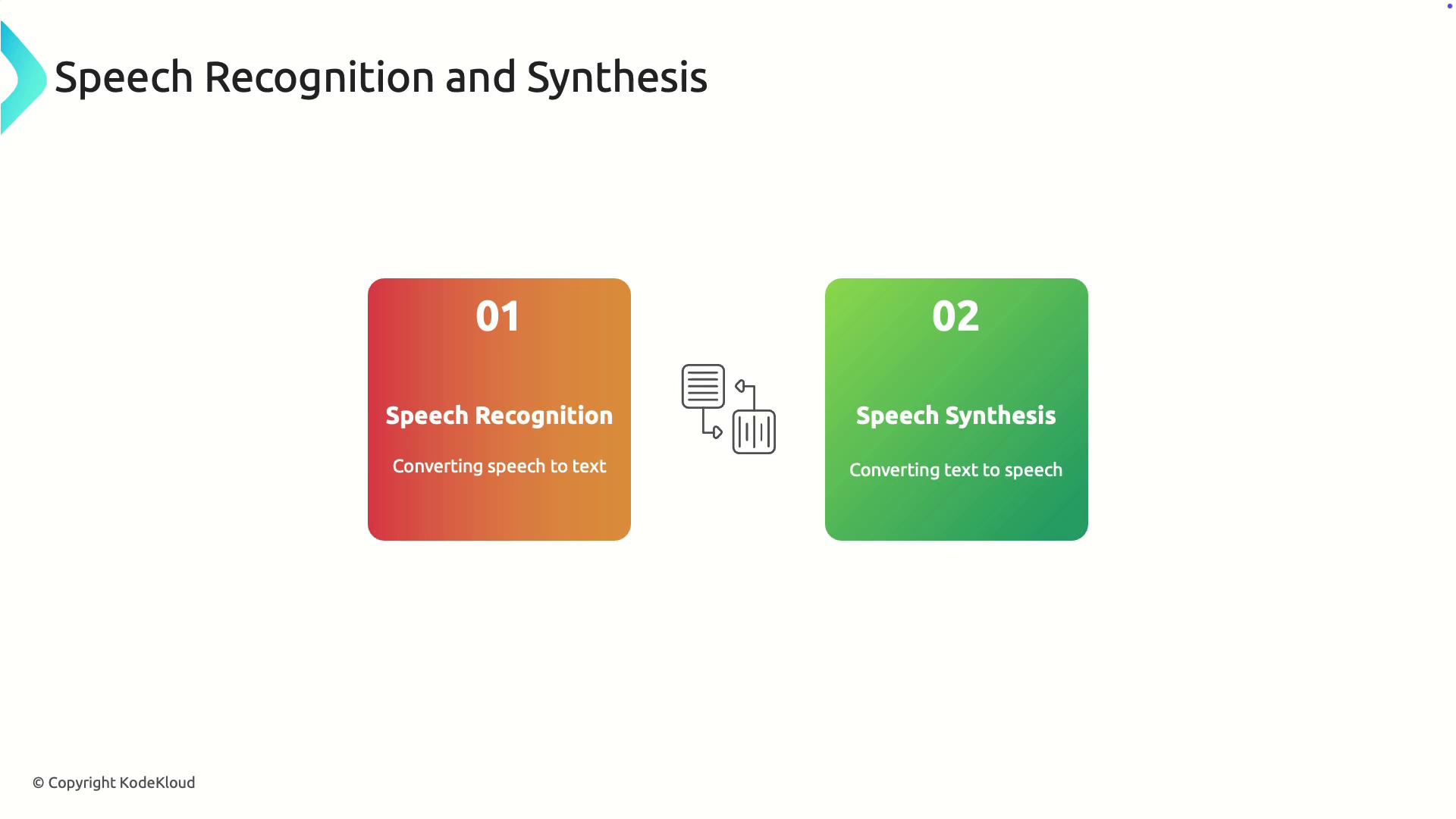
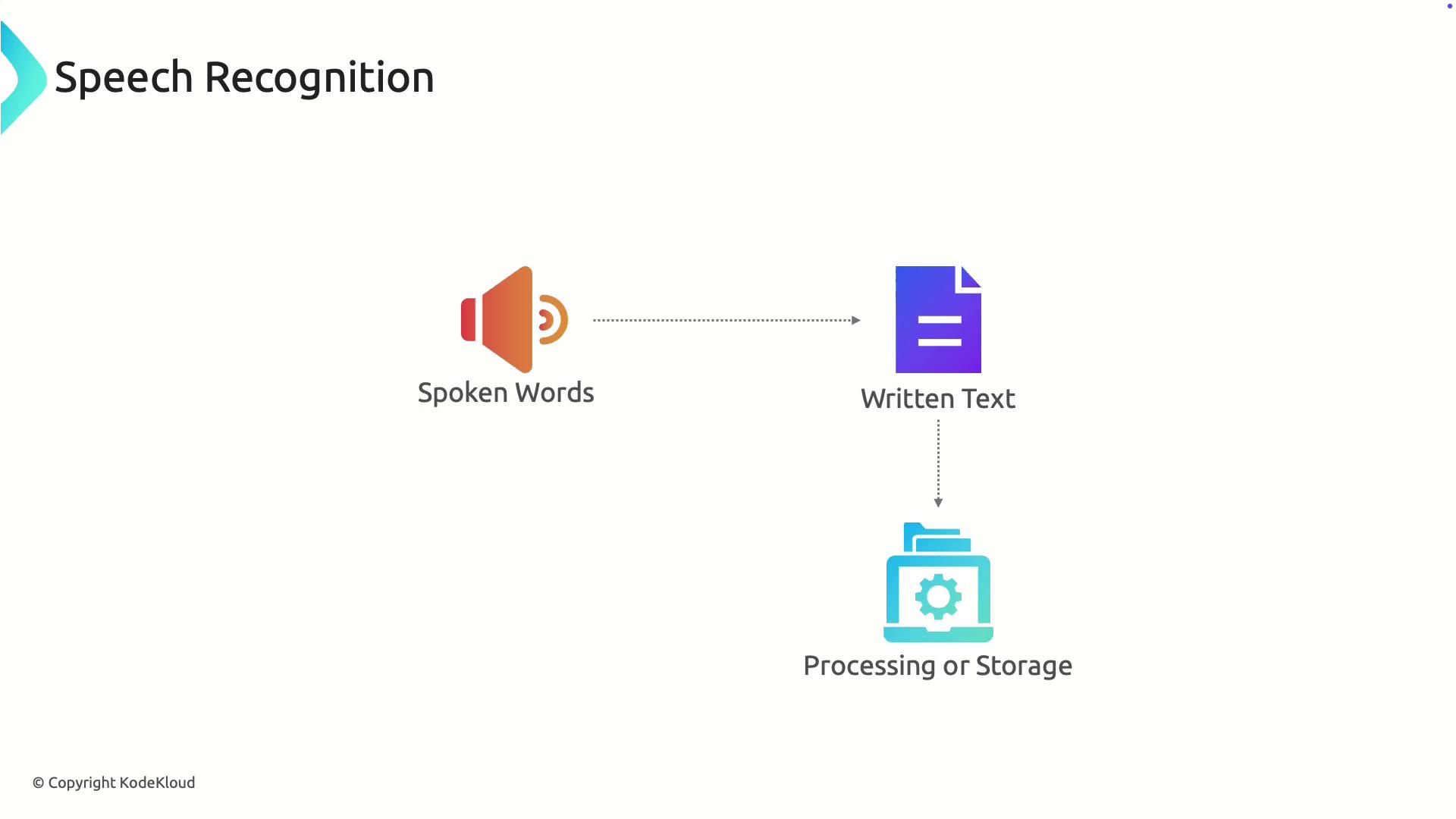
So, what exactly are we talking about? Simply put, speech recognition is the ability of a computer to understand your spoken words, while speech synthesis (often called text-to-speech) lets it speak back to you in a natural, human-like voice. Google’s versions of these technologies power everything from Google Assistant on your phone to live captions on YouTube. They’re designed to listen accurately and respond clearly, which means less frustration for you. The main purpose is simple: bridge the gap between human speech and digital action, making technology more accessible and hands-free.
The benefits ripple out to all kinds of people. For a visually impaired user, speech synthesis can read out a text message or an article with natural inflection and speed control. For a commuter, speech recognition lets you dictate a quick email while keeping your eyes on the road (safely, of course). And for a language learner? You can ask Google to repeat a phrase, and it will slow down the synthesized speech so you can catch every syllable. Even kids love it—just say, “Hey Google, tell me a joke,” and the synthesis engine delivers a punchline with perfect timing.
Must Read
You’ve probably already encountered common variations without realizing it. Ever used Google’s Live Caption to read dialogue in a video on mute? That’s speech recognition turning audio into text. Or maybe you’ve asked Google Maps to “navigate home,” and it instantly picks up your voice—even with background music playing. Another cool example is Google’s ‘Assistant’ voice types, like the Red or Orange voices, which sound more conversational than the robotic TTS from years past. These variations show how far the tech has come—it’s no longer stiff; it’s fluid and natural.
If you want to get started or make the most of it, the good news is you likely already have the tools. On any Android phone or iPhone with the Google app, just say “Hey Google” to activate voice recognition. For dictation, open a text field, tap the microphone icon on your keyboard, and start speaking—it’s that straightforward. Pro tip: speak at a moderate pace and in clear, full sentences for best accuracy. For synthesis, you can go to Settings > Accessibility > Select-to-Speak on Android, then tap any text, and Google will read it aloud with a human-sounding voice.
 Speech Recognition and Synthesis - KodeKloud
To really level up, try using speech recognition for note-taking during meetings or while brainstorming ideas. Tools like Google Docs offer built-in voice typing—just go to Tools > Voice Typing and watch your words appear on screen. For synthesis, adjust the speech rate and pitch in the Assistant settings to suit your ear or mood. And don’t forget to train the voice model by saying “Hey Google, learn my voice” a few times; it helps the system understand you better, even in noisy environments. These small tweaks turn a handy feature into a daily superpower.
In the end, speech recognition and synthesis from Google aren’t just nerdy tech specs—they’re real-world helpers that save time, reduce strain, and bring a little fun to our day. Whether you’re a multitasker, a language enthusiast, or someone who simply prefers talking over typing, this technology is built for you. So go ahead—ask your device a question, have it read your last email aloud, or just tell it a story. Chances are, it’ll listen and respond better than you ever expected.