What Are The Differences Between Appblock Vs. Blocksite

Let’s be honest: our phones are basically tiny, shiny monsters that steal our time. You sit down to write one email, and suddenly you’ve watched three cat videos, argued with...
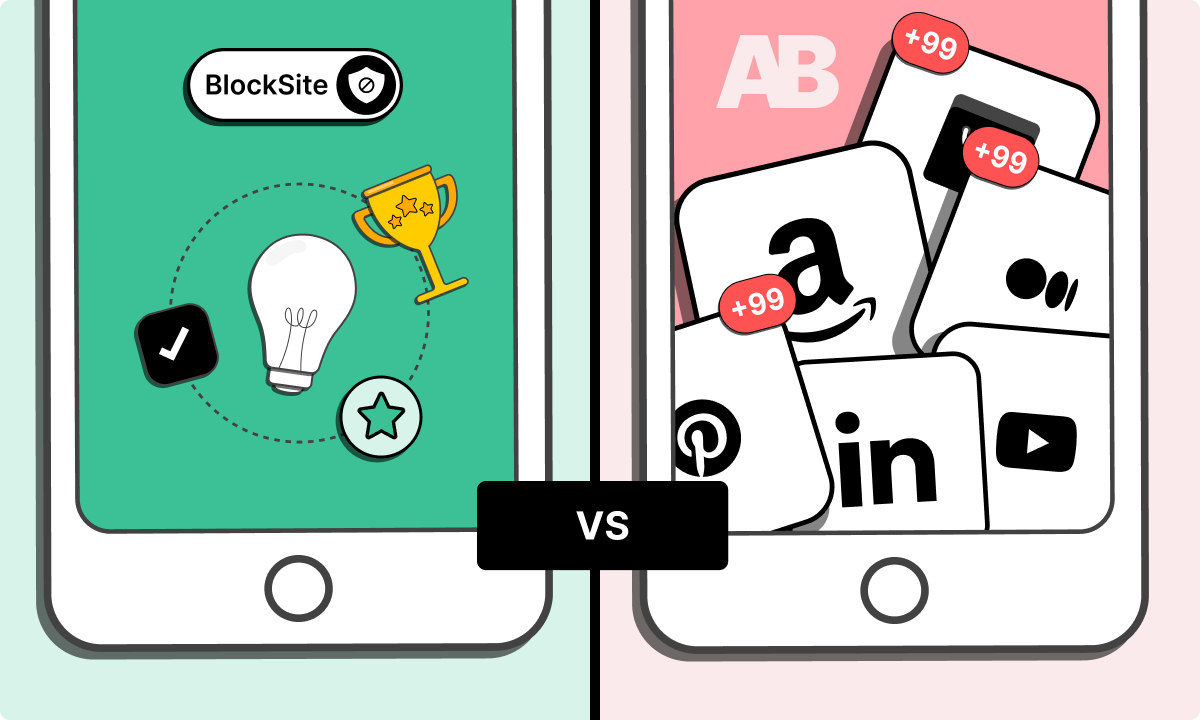
Let’s be honest: our phones are basically tiny, shiny monsters that steal our time. You sit down to write one email, and suddenly you’ve watched three cat videos, argued with a stranger on Twitter, and bought a weird kitchen gadget. You’re not alone—we all fight the same distraction war.
That’s where app blockers come in. Two of the most popular ones are AppBlock and BlockSite. They sound similar, but they’re more like cousins than twins. If you’ve ever wondered which one is right for your chaos, stick around.
The “Start-Stop” Problem: A Real-Life Story
Picture this: It’s Sunday morning. You promised yourself you’d finish that work presentation before noon. But Instagram pulls you in, then Reddit, then a random news site. By lunchtime, your brain feels like a scrambled egg. You actually got nothing done.
Must Read
I tried AppBlock first. It felt like a strict older sibling: you set a timer, and boom—no access to chosen apps during that block. You can’t even uninstall it easily. It’s tough love, and it works if you need a hard lockdown.
But BlockSite? It’s more like a gentle parent who says, “Hey, maybe step away from the phone for a bit?” It blocks websites and apps, plus it offers a “focus mode” that lets you pause blocking for a minute. That little flexibility can be dangerous if you’re weak-willed (like me at 10 p.m.).
What Are They Blocking, Anyway?
Here’s the core difference: AppBlock is all about apps. It’s perfect if TikTok and YouTube are your main time-suck. You can block specific apps based on categories (social, games, etc.) or schedule blocks for work hours.
BlockSite, on the other hand, focuses heavily on websites. You can block whole domains, specific pages, or even keywords like “funny cat videos.” It’s a lifesaver if you browse the web endlessly but don’t use apps much. Both do each other’s job, but not equally well.
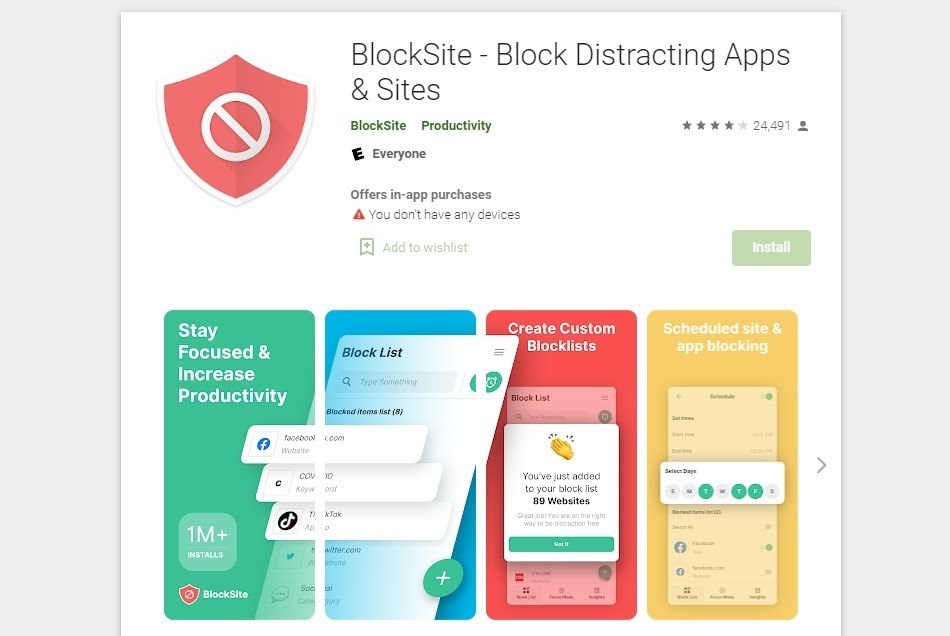 Quick and Easy Ways to Block Websites on Chrome, Phone and Desktop
For example: I blocked Instagram with AppBlock, and it disappeared like a magic trick. But with BlockSite, Instagram’s website was the problem—the app still worked. That’s the kind of nuance that matters.
Ease of Use: The “Grandma Test”
Imagine handing your phone to your grandma and saying, “Block YouTube for two hours.” With AppBlock, she’d probably get it in under a minute: pick an app, pick a timer, done. It’s simple and clean. BlockSite has more buttons, more settings—like a Swiss Army knife that’s great but overwhelming.
But here’s the trade-off: BlockSite gives you detailed reports. You can see exactly how much time you wasted on “work research” versus actual work. That data can be a real wake-up call, or just depressing—both valid reactions.
The Sneaky Workaround Problem
Let’s be real: we are masters of bypassing rules. AppBlock handles this like a boss: once a block starts, you can’t uninstall it easily without a password or waiting for the timer. It’s like locking the fridge during a diet.
BlockSite is a bit more lenient. You can pause blocks, change settings, or even ignore the warning. That flexibility can be your downfall if you’re easily tempted. But if you trust yourself and just need a gentle nudge, BlockSite works beautifully.
 Website Blocker vs BlockSite vs StayFocusd vs Freedom - Website-Blocker
Which One Should You Choose?
Ask yourself this: Are you the kind of person who needs a digital straightjacket? If yes, go with AppBlock. It’s stubborn, reliable, and doesn’t take “no” for an answer. Perfect for deep work days or exam prep.
Are you more of a “habit-breaker” who wants insights and flexibility? Then BlockSite is your friend. It helps you see your patterns and adjust gently. Great for long-term habit change, not just a one-time lockdown.
But here’s the secret: you can actually use both together. Use AppBlock for your toxic apps (hello, TikTok) and BlockSite for those endless rabbit-hole websites. That combo is like having a personal assistant who cares more about your focus than you do.
The Final (Friendly) Verdict
In the end, the best tool is the one you actually use. I’ve tried a dozen blockers, and I always come back to AppBlock for the hard stuff and BlockSite for web browsing. Your mileage may vary, and that’s okay.
The real win isn’t the app—it’s that you care enough to try. Every time you block a distraction, you’re telling your brain, “Hey, my time matters.” And that’s pretty awesome, no matter which app you pick. So download one, set a block, and go pet your cat or call a friend. You deserve the break—on your own terms.
