The Differences Between Blocksite Vs. Appblock

Let’s be honest for a second—how many times have you picked up your phone to “check one thing” and suddenly lost an hour to a doomscrolling spiral? We’ve all been there. And t...
Let’s be honest for a second—how many times have you picked up your phone to “check one thing” and suddenly lost an hour to a doomscrolling spiral? We’ve all been there. And that’s exactly why digital wellness tools like Blocksite and Appblock exist: to gently (or not-so-gently) nudge you back to reality. But here’s the real kicker: they’re not the same animal, and knowing the difference might just be the key to making your screen time work for you, not against you.
Think of Blocksite as the broad-strokes artist of digital boundaries. It doesn’t just tackle apps—it goes after entire websites, whole domains, and even specific URL patterns. It’s overwhelming on purpose? Actually, yes. Blocksite is designed to block the entire internet if you let it. You can nuke Facebook, Twitter, and YouTube from your browser and phone simultaneously. That’s powerful, but it’s also… a bit like using a fire hose to water a houseplant.
Appblock, on the other hand, is the surgeon with a scalpel. It specializes in blocking individual applications—not websites, not domains, but the apps themselves. Want to keep messenger but nuke Instagram? Done. Need Slack for work but want to pause TikTok? Easy peasy. Appblock zeroes in on the addiction nucleus—the app icon you tap reflexively. It’s less about “the entire web is off-limits” and more about “I’m closing this one specific trapdoor.”
Must Read
Here’s where it gets fun: Blocksite plays dirty—in the best way. It can block content based on keywords or categories (think: gambling, porn, or time-sucking news sites). It even offers a “strict mode” that locks your settings behind a password you set in a moment of pure willpower. Crafty, right? But if you’re someone who needs to block, say, just YouTube but not Google Drive, Blocksite’s sledgehammer approach can feel like overkill.
Appblock answers that problem with customization bliss. You can set time limits per app, create “focus sessions” where only work apps are allowed, and even schedule blocks to lift automatically after dinner. It’s like giving your phone a curfew. The beauty? You don’t have to declare war on the entire digital world—you just fence off the parts that personally derail you.
But wait—there’s a twist. Both tools try to outsmart you when your willpower crumbles. Blocksite uses a “blocked page” that shows a motivational quote or a countdown timer before you can bypass the block (“Are you sure you want to procrastinate?”). Appblock, meanwhile, prevents uninstalls during a block period, forcing you to wait until the timer runs out. Sneaky? Yes. Effective? Absolutely.
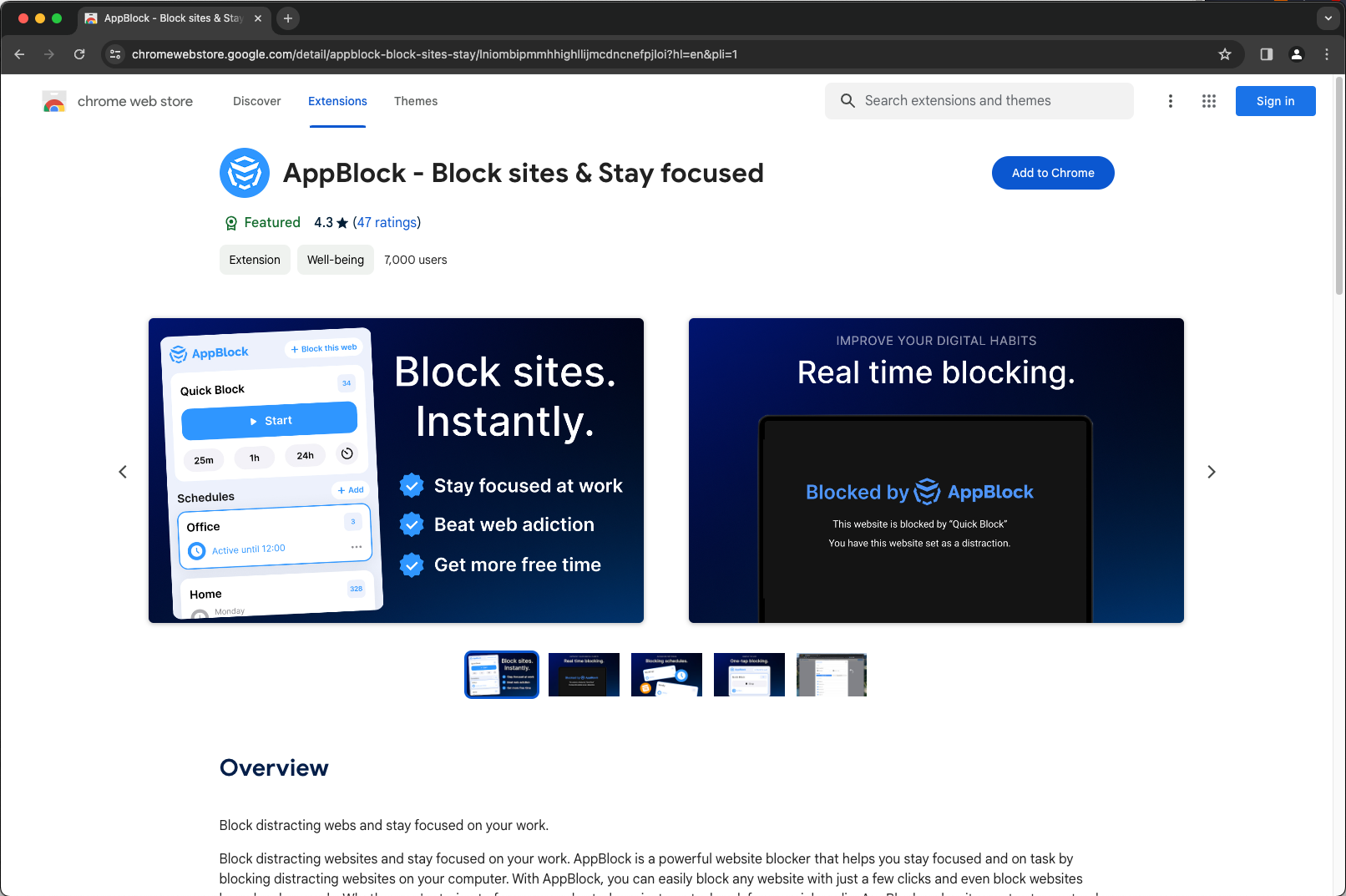 Extensions - AppBlock - Stay focused on iOS and Android
Which one should you pick? Ask yourself what you’re really fighting. If your biggest enemy is the browser—endless tabs, Wikipedia rabbit holes, or break-room YouTube binges—Blocksite is your bouncer. It guards the gates of the web itself. But if your nemesis lives inside apps—Snapchat streaks, Twitter rage-scrolling, or gaming notifications—Appblock is your personal app exorcist.
Here’s the life-changing secret: you don’t have to choose. Many people run both. Use Blocksite to nuke distracting websites on your laptop, and Appblock to silence app pings on your phone. Double the defense, double the freedom. You’re not being dramatic—you’re being strategic. The real enemy isn’t technology; it’s the habit of mindless consumption.
Imagine your phone as a toolbox. Blocksite locks the whole toolbox if you’re trying to grab a hammer but keep getting distracted by the saw. Appblock just takes the tape measure away so you can focus on the screwdriver. Neither is wrong—they just operate at different scales. The goal isn’t to hate your phone; it’s to use it on your terms.
 Website Blocker vs BlockSite vs StayFocusd vs Freedom - Website-Blocker
And that’s where the fun begins. Once you realize you can customize your focus fortress, you stop feeling like a victim of your own devices. You start to see blocks as little victories. “I just blocked Reddit for 30 minutes so I could write this email” becomes a tiny, triumphant ritual. You become the architect of your attention.
So, go ahead—download one (or both) and experiment. Fail forward. Maybe you block too much and feel isolated for an hour. Good. Maybe you whitelist an app and discover you actually use it productively. Even better. The point is, you’re taking the driver’s seat. Today, you choose. Tomorrow, your focus chooses you.
And here’s the uplifting part: you already have everything you need. Blocksite and Appblock are just fancy signposts. The real power—the ability to say “not now” to distraction—was inside you all along. You’ve just handed it a better set of keys. Now go make the most of that next distraction-free hour. I promise—life on the other side of the block is vivid, bright, and yours for the taking.
