How To Search By A Picture On Google

Let’s be honest—you’ve probably had a moment where you saw something and thought, “What on earth is that?” Maybe it was a weird plant in your neighbor’s yard, a piece of furni...
Let’s be honest—you’ve probably had a moment where you saw something and thought, “What on earth is that?” Maybe it was a weird plant in your neighbor’s yard, a piece of furniture you desperately wanted, or a celebrity’s outfit that looked strangely familiar. You could try describing it in a text to a friend, but why bother when you can just show Google what you mean? Searching by a picture isn’t just a tech trick—it’s your secret superpower for satisfying curiosity in seconds.
Why You Should Try It (Spoiler: It’s Ridiculously Fun)
This isn’t some boring, complicated process reserved for hackers or IT wizards. Reverse image search is about as easy as snapping a selfie, and the payoff is pure delight. Imagine you’re scrolling through social media and spot a stunning painting—instead of staring at it helplessly, you can discover the artist, buy a print, or even find out if it’s hanging in a museum near you. It turns you from a passive observer into a digital detective, and that feeling is surprisingly empowering.
Plus, it’s a fantastic way to break out of a rut. When you search by picture, you open doors to things you didn’t even know existed. Suddenly, that random photo of a color you love leads you to a new wallpaper site, or a picture of a handbag reveals a vintage store you never knew was down the street. Life becomes a treasure hunt, and you’re holding the map.
Must Read
The Simple Steps (No PhD Required)
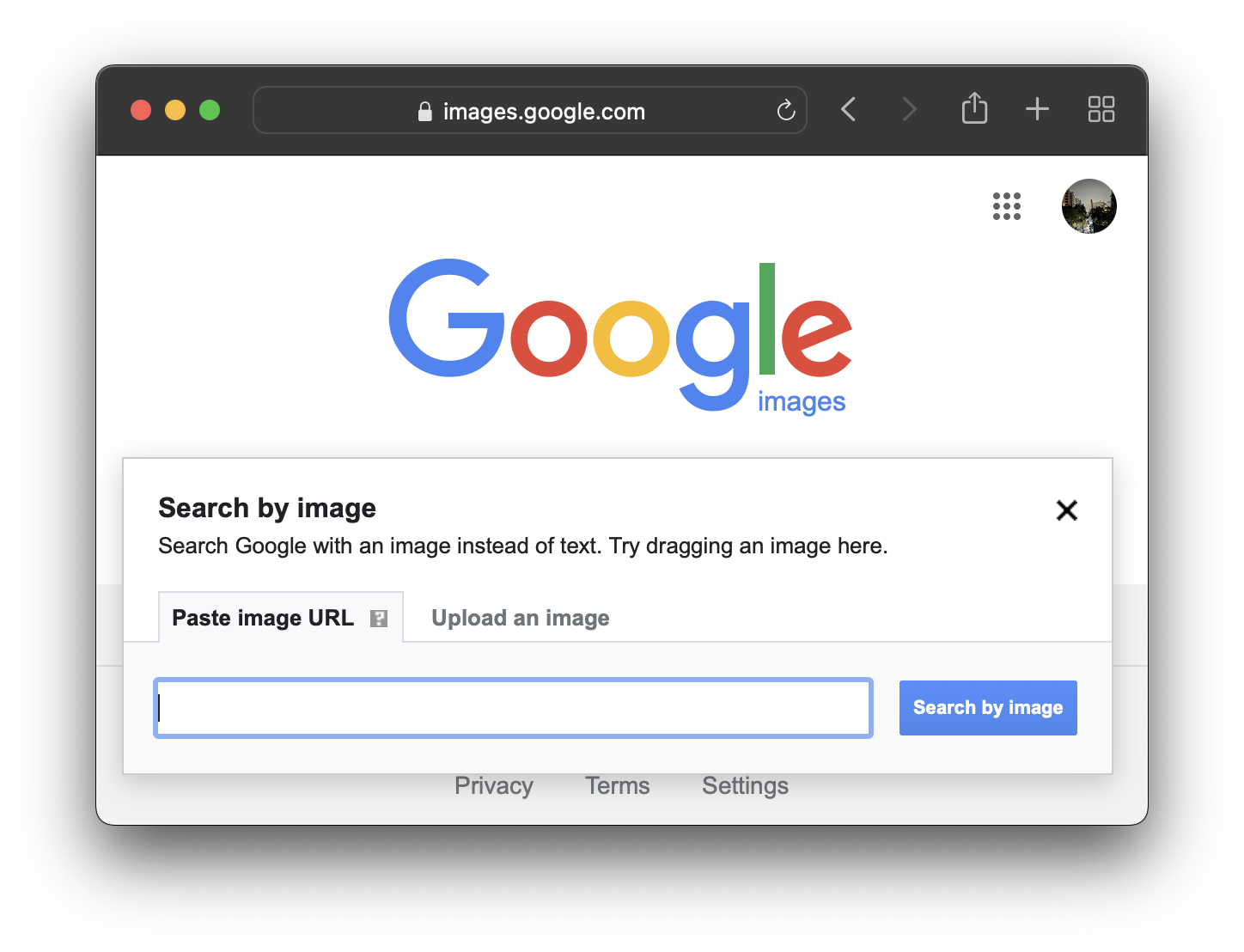
Ready to try it? Here’s the magic formula: go to images.google.com on your phone or computer. See that little camera icon in the search bar? Click it—that’s your portal to instant photo-powered discovery. You’ll get two options: either paste a URL of a picture you found online, or upload a photo straight from your own device. Choose whichever feels right, and watch Google do its thing.
If you’re using a smartphone, you can even do this from your photo gallery. Just open a picture, tap the Google Lens icon (it looks like a little camera square), and let the algorithm whisper its secrets. It’s like having a friend who literally knows everything about every image ever created. For real, it’s that fast.
What You Can Actually Do With It
Let’s get practical, because this isn’t just for fun—it’s for solving real-life mysteries. Have you ever seen a product online that’s out of stock? Search by its picture, and Google will find you similar items from other stores. It’s like having a personal shopper who never sleeps. Or maybe you’re trying to identify a bug that’s crawled into your kitchen? Snap a photo, upload it, and discover whether it’s a harmless beetle or the start of a horror movie plot.
Travelers, listen up: this is your new best friend. Stumbled upon a beautiful statue in a foreign city but lost your travel guide? Take a picture, search it, and instantly get the history, the artist, and even the best café nearby. You’ll look like a knowledgeable local, even when you’re totally lost. It’s social proof that you’re a curious, resourceful person—and that’s always a good look.
A Few Pro Tips to Level Up
Want to get even more out of your searches? Try cropping your picture before you upload it. If you’re looking for a specific object in a busy photo, trimming away the background noise helps Google focus on what matters. It’s like giving the algorithm a gentle nudge: “Hey, look here, not there.” Also, use the “filter by color” or “by image size” options to narrow down results. You’ll go from a pile of okay-ish matches to the perfect find.
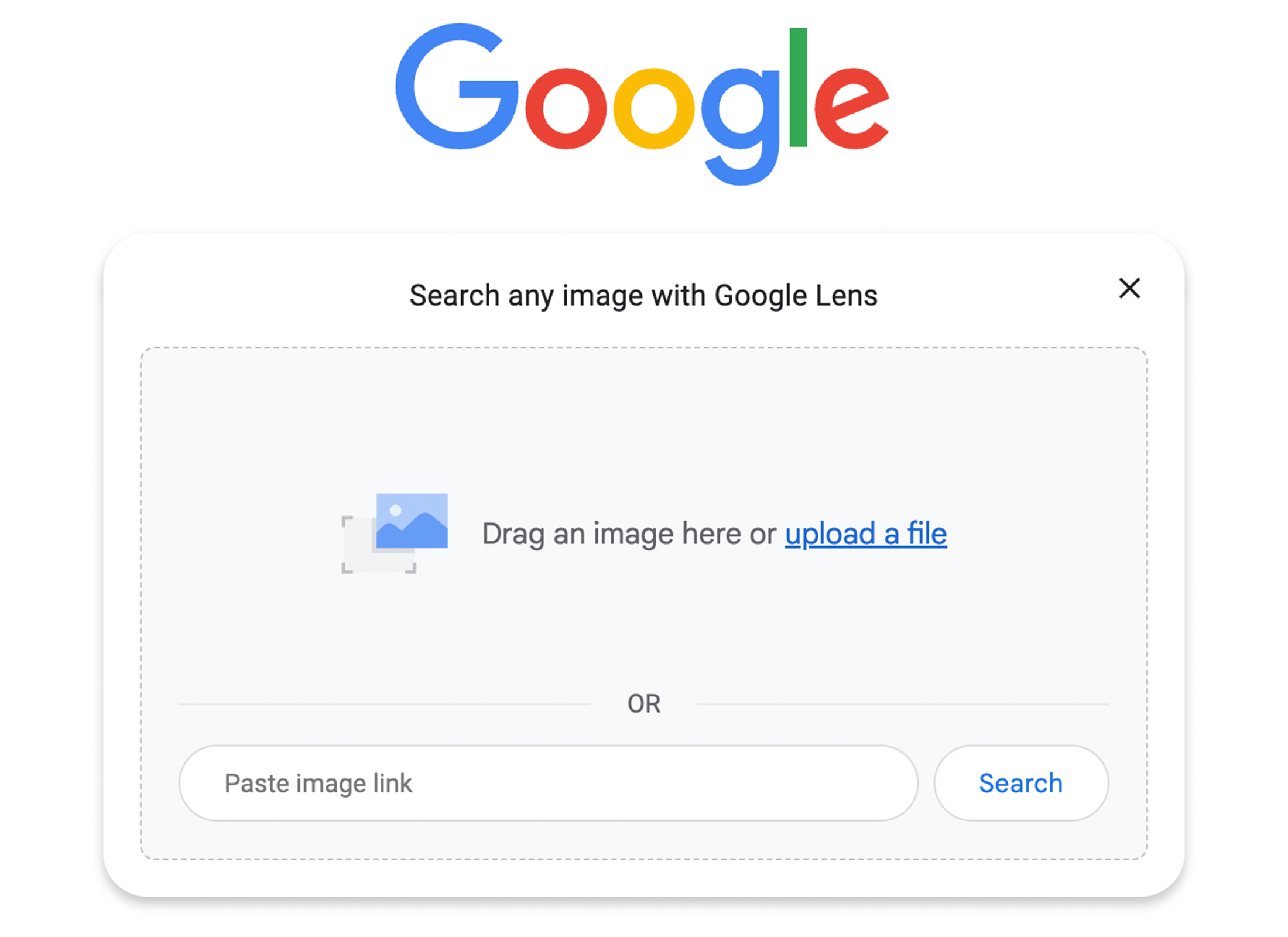 How to perform a Google reverse image search
And here’s a little secret: if you’re on a computer, you can also right-click on most images online and select “Search image with Google.” No uploading needed. It’s the lazy person’s hack, and it works beautifully. Don’t let anyone tell you technology is complicated—you’ve got this, my friend.
Why This Matter Beyond the Gimmick
Searching by a picture isn’t just about finding a duplicate or identifying a plant. It’s about feeding your natural curiosity without friction. In a world where we’re often overwhelmed by information, this tool cuts through the noise. It lets you say, “I wonder…” and get an answer before your coffee gets cold. That instant gratification can spark a chain reaction of learning—you find one thing, then another, and suddenly you’re down a rabbit hole of art history or fashion trends.
Think of it as a conversation starter with the world. Every image holds a story, and now you have the key to unlock it. You’re no longer just scrolling—you’re interacting, discovering, and connecting. That’s a small shift that can make even a mundane Tuesday feel like an adventure.
Your Next Step? Go Hunt for Wonder
So, here’s your challenge: take the photo that’s been sitting in your camera roll for weeks—the one you took because it was “interesting” but you never acted on. Open Google, upload it, and see where your curiosity takes you. It might lead to a new hobby, a travel destination, or just a really good laugh. The point is to try it and see how it feels to have the world at your command.
Remember, every expert was once a beginner who just clicked a button. You don’t need to be a tech genius; you just need a spark of wonder. And now, you have the tool to ignite it. Go ahead, search by a picture today—and let the universe show you something unexpectedly beautiful. The more you explore, the more you realize how much there is to love about this digital age. Happy searching!
