How To Remove Ads From News Articles

There’s something deeply satisfying about settling in to read a long-form news article, only to have your flow shattered by a pop-up video, a blinking banner, or an auto-playi...

There’s something deeply satisfying about settling in to read a long-form news article, only to have your flow shattered by a pop-up video, a blinking banner, or an auto-playing ad that redirects you to a dubious weight-loss supplement. Removing these interruptions isn’t just a technical fix; it’s a small act of reclaiming your peace. This topic is widely appreciated because it turns a frustrating, scattered reading experience into a calm, focused one. Whether you’re a student researching late at night, a professional skimming industry updates, or just someone who values uninterrupted storytelling, learning to strip away clutter saves time, reduces distractions, and makes the web feel like it belongs to you again.
The main purpose of ad removal is simple: to let the content shine. News sites rely on advertising revenue, but the modern execution often sacrifices readability for profit. Common variations you’ll recognize include the “sticky header” that never scrolls away, the “article-body video” that hijacks your click, or the dreaded “scroll-blocker” that demands you disable your blocker just to see the first paragraph. By taking control, you’re not rejecting journalism—you’re choosing a better user experience. For example, readers of long investigative pieces often find that removing sidebars and autoplay ads reduces cognitive load, letting them absorb complex arguments without mental friction.
Your easiest starting point is a dedicated browser extension. Tools like uBlock Origin (free, open-source) or AdBlock Plus are remarkably effective. Install them, and they immediately begin filtering out most banner ads and pop-ups. For news sites, you can fine-tune these extensions by enabling “Advanced Element Hiding” to zap specific visual clutter. Pro tip: Don’t over-block—some non-intrusive ads support smaller publishers. Instead, use the “cosmetic filtering” feature to hide only the most aggressive interruptions while letting respectful ads remain. This approach keeps you feeling ethical while drastically improving your reading experience.
Must Read
For those who prefer a mobile solution, consider privacy-focused browsers with built-in blocking. Browsers like Brave (for both desktop and mobile) or Firefox Focus (on iOS/Android) automatically strip ads from articles, often speeding up page load times by 30–50%. If you’re using a news app, the trick is to switch to its “reader mode”—a feature inspired by Safari’s Reader View. On most phones, tap the page icon in the address bar, and the site will reformat into a clean, ad-free text block. This is especially useful for sites that inject ads between every second paragraph, like many local newspaper apps.
A subtler but powerful technique is to use text-focused bookmarklets. These are tiny JavaScript snippets you save as bookmarks. One popular example is “Readable” or “Remove Clutter”—click the bookmarklet on any article, and it instantly hides all ads, sidebars, and pop-ups, leaving only the main text. These work on almost any site without installing permanent software. For power users, creating a custom CSS snippet (e.g., via Stylus extension) lets you target specific ad units on your most-visited sites. It sounds technical, but a quick search for “clean news article CSS” yields ready-made codes you can paste in seconds.
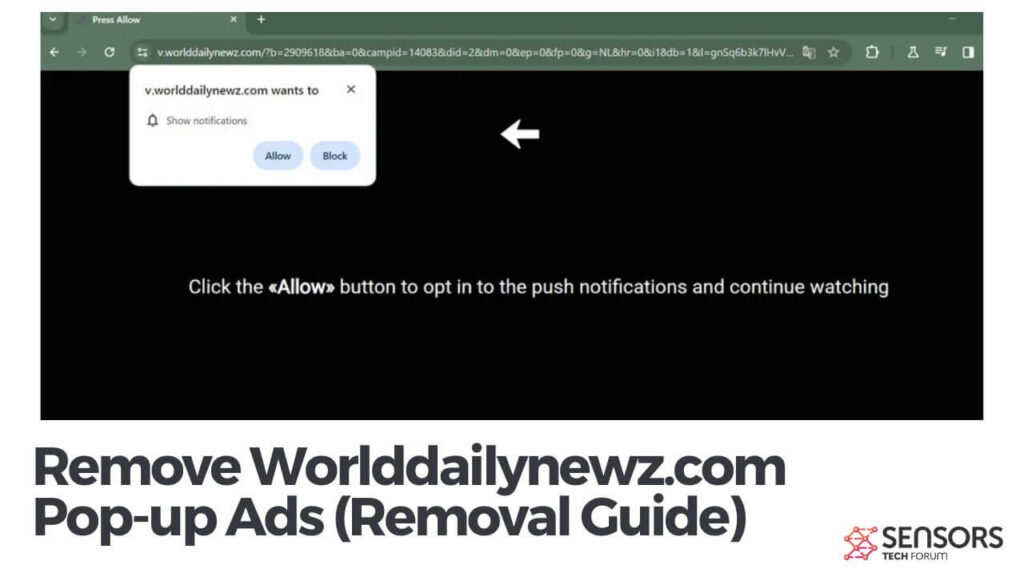 Remove Worlddailynewz.com Pop-up Ads (Removal Guide)
Don’t forget the non-digital workaround: copying the article’s title and pasting it into a site like Textise Dot Iitty or using “Outline.com” can generate a clutter-free version. Similarly, many journalists and bloggers offer email newsletters that deliver their articles ad-free directly to your inbox. Subscribing bypasses the ad-filled web version entirely. For example, if you follow a particular columnist, their newsletter often contains the full text without pop-ups—a simple shift that changes how you consume information.
In the end, removing ads from news articles is about taking back your attention. It doesn’t require extreme technical skills; just a willingness to experiment with one or two tools. Start with a browser extension or reader mode, and notice how much more you retain when your focus isn’t fractured. The web is a library, not a carnival—you deserve to read without being sold to every thirty seconds. Enjoy the quiet pages.
![Top 5 Free Ads Removal & Blocker Tools [2026 Updated]](https://s3.amazonaws.com/www.iobit.com/blog/20260511/1778482235389485.png)
