How Can I Search An Image On Google

Let’s be honest. You’ve seen something weird and needed proof. Maybe it was a suspiciously shaped potato or a celeb wearing socks with sandals. You need to find that image’s...
Let’s be honest. You’ve seen something weird and needed proof. Maybe it was a suspiciously shaped potato or a celeb wearing socks with sandals.
You need to find that image’s origin. Fast. Enter the magic trick: Google Image Search. It’s not just for finding pictures of cats. It’s a detective tool for the digital age.
Here’s the wild part: Google doesn’t “see” an image like you do. It reads patterns. It’s like a robot sniffing a digital fingerprint. This robot doesn’t care if the photo is blurry. It wants the shape of your weird potato.
Must Read
How to Work the Magic
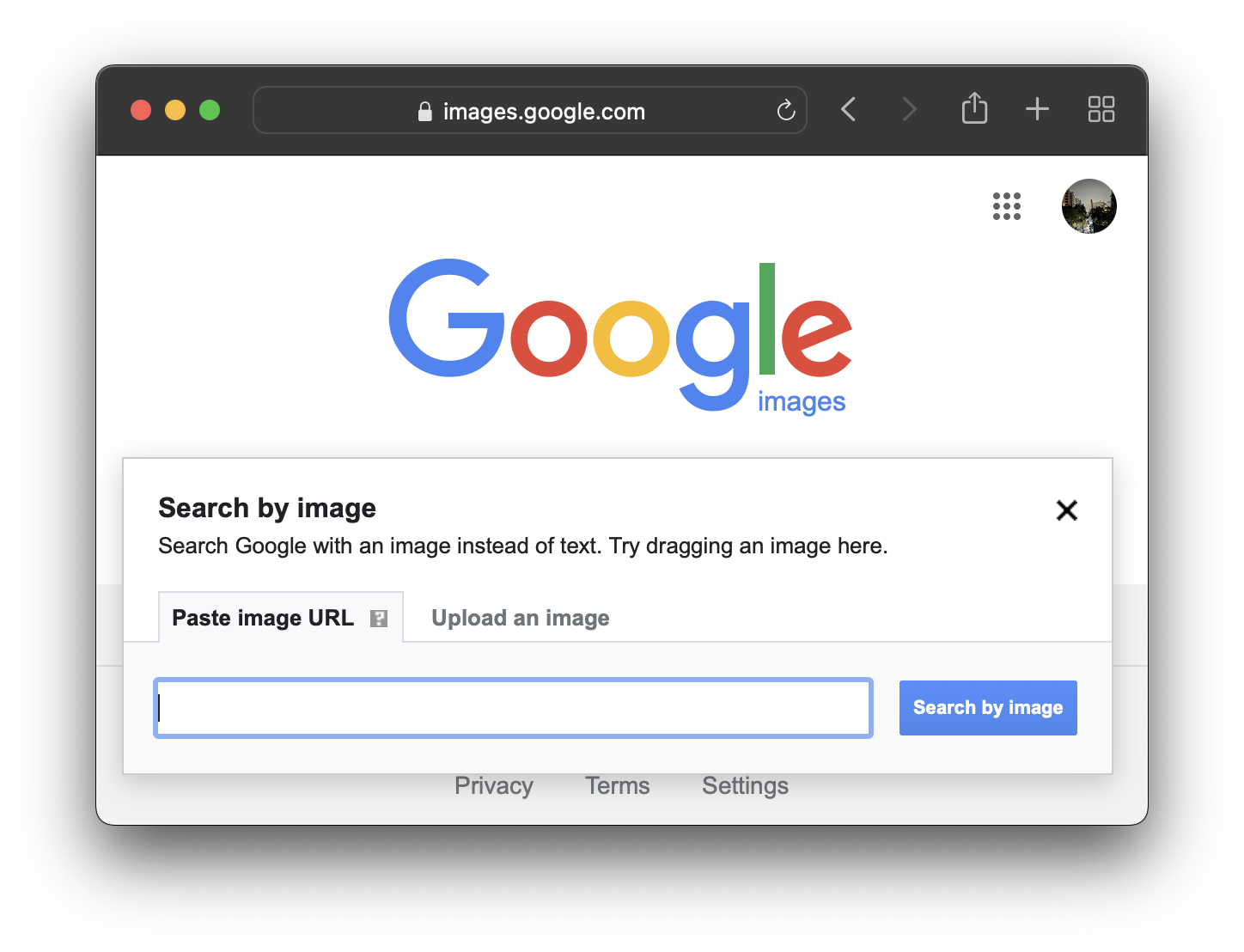
First, open Google on your phone or laptop. If you’re on a computer, go to images.google.com. Look for a tiny camera icon in the search bar. Click it.
That’s your spyglass. It opens a secret menu. You can paste an image URL or upload a photo from your hard drive. Yes, even that embarrassing selfie from 2009.
On a phone, it’s even sneakier. Open the Google app. Tap the camera icon inside the search bar. Point it at anything—a plant, a dog, your friend’s weird lamp. Google will try to name it.
The Reverse Image Hunt
This is the reverse image search. It’s the party trick of the internet. Find a picture of a strange building? Google will tell you if it’s in Iceland or just a movie set.
Fun fact: Google’s algorithm can match images even if they’re cropped, filtered, or color-inverted. That potato selfie? It becomes 500 similar potatoes. You might discover a rare species of tuber.
Why does this matter? Because that “vintage” jacket you saw online? Google might show you the exact same one sold on AliExpress for $9. You become a human lie-detector.
Why It’s So Fun
Think of it as internet archaeology. You dig up where a meme was born. Remember that crying cat? Google can show you the first time it appeared. You’re basically a time traveler.
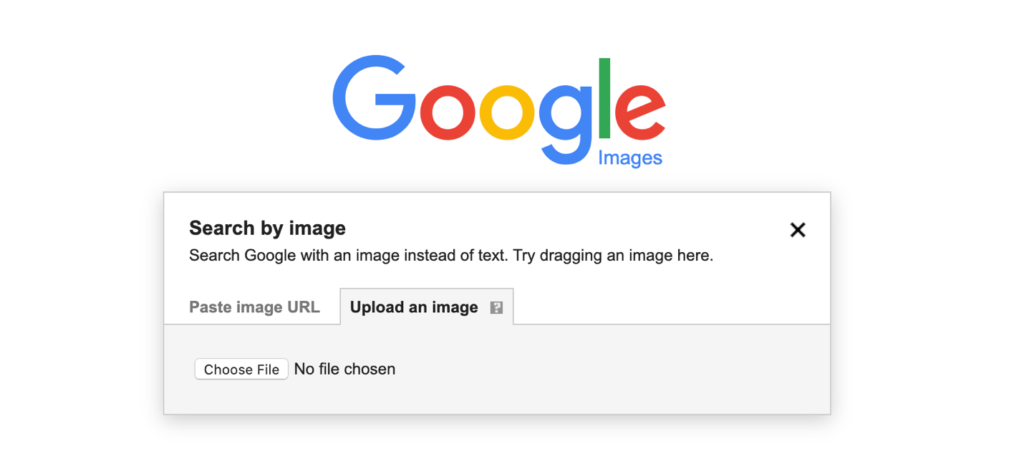 A Guide to Google's Advanced Image Search
Another quirky trick: search a picture of a painting. Google might tell you the artist, the year, and which museum has it. You’ll sound super smart at dinner parties. “Oh, that? It’s a 17th-century Dutch still life.” Nailed it.
But here’s the secret sauce: Google also scans text inside images. A photo of a receipt? It can read the total. A screenshot of a tweet? It finds the original thread. It’s like X-ray vision for pixels.
Silly Things to Try Right Now
Find a photo of a strange fruit. Upload it. Google will either say “dragon fruit” or “mutant artichoke”. Either answer is hilarious. Try it with your pet’s face. Does Google think your dog is a loaf of bread?
Search a picture of your own hand. Google might suggest “human palm” or “five sausages”. Algorithms are wonderfully stupid sometimes. That’s the charm.
Want to mess with a friend? Take a picture of their mug from Starbucks. Reverse search it. Suddenly, you know it was a limited edition from 2017. They’ll think you’re a wizard.
The Weirdest Use Case
People use this to catch catfish on dating apps. Upload a profile pic. Google shows if it’s stolen from a model. Instant drama. But also, instant closure.
Artists use it to find who stole their work. A painter uploads their canvas. Google finds a T-shirt company using it without permission. Justice is served, pixel by pixel.
 Reverse Image Search Engines Google Chrome - Infoupdate.org
Even historians use it. A blurry old photo of a soldier? Reverse search might reveal the battle, the uniform, even his name. It’s like a time machine with a search bar.
Pro Tips for Maximum Power
Don’t just search the whole image. Crop it first. Focus on one weird detail. A tree, a logo, a weird hat. Google works harder on specific shapes.
Use Google Lens if you’re on mobile. It’s built into the search app. Point it at a book cover. Instantly find reviews, prices, and the author’s Twitter. It’s sorcery.
And if the search fails? Try dragging the image into a blank tab. Sometimes Google needs a nudge. Refresh the page. Repeat. Persistence pays off.
The Bottom Line
Searching an image on Google isn’t just a skill. It’s a superpower. You can identify plants, verify news, or simply laugh at what Google thinks a “cactus” looks like.
So next time you see something baffling—a cloud shaped like Elvis, a suspiciously perfect avocado—don’t just stare. Reverse search it. Become the hero of your own internet mystery.
Go ahead. Upload a photo of your fridge. Google might tell you it’s “modern art.” Or just “cold box.” Either way, you’ll smile. And that’s the whole point.
